![Growficient_donkergroen copy.png]](https://help.growficient.com/hs-fs/hubfs/Growficient_donkergroen%20copy.png?height=40&name=Growficient_donkergroen%20copy.png)
The Growboard boasts many useful features, but sometimes you only need to focus on the essentials. If your Growboard is looking busy or you find yourself always looking at the same measurements and ignoring others, you can use this customization to make the Growboard as clear and simple as possible.
To choose which information you want to see, you can use the 'Options' feature on the top right of your Growboard overview.

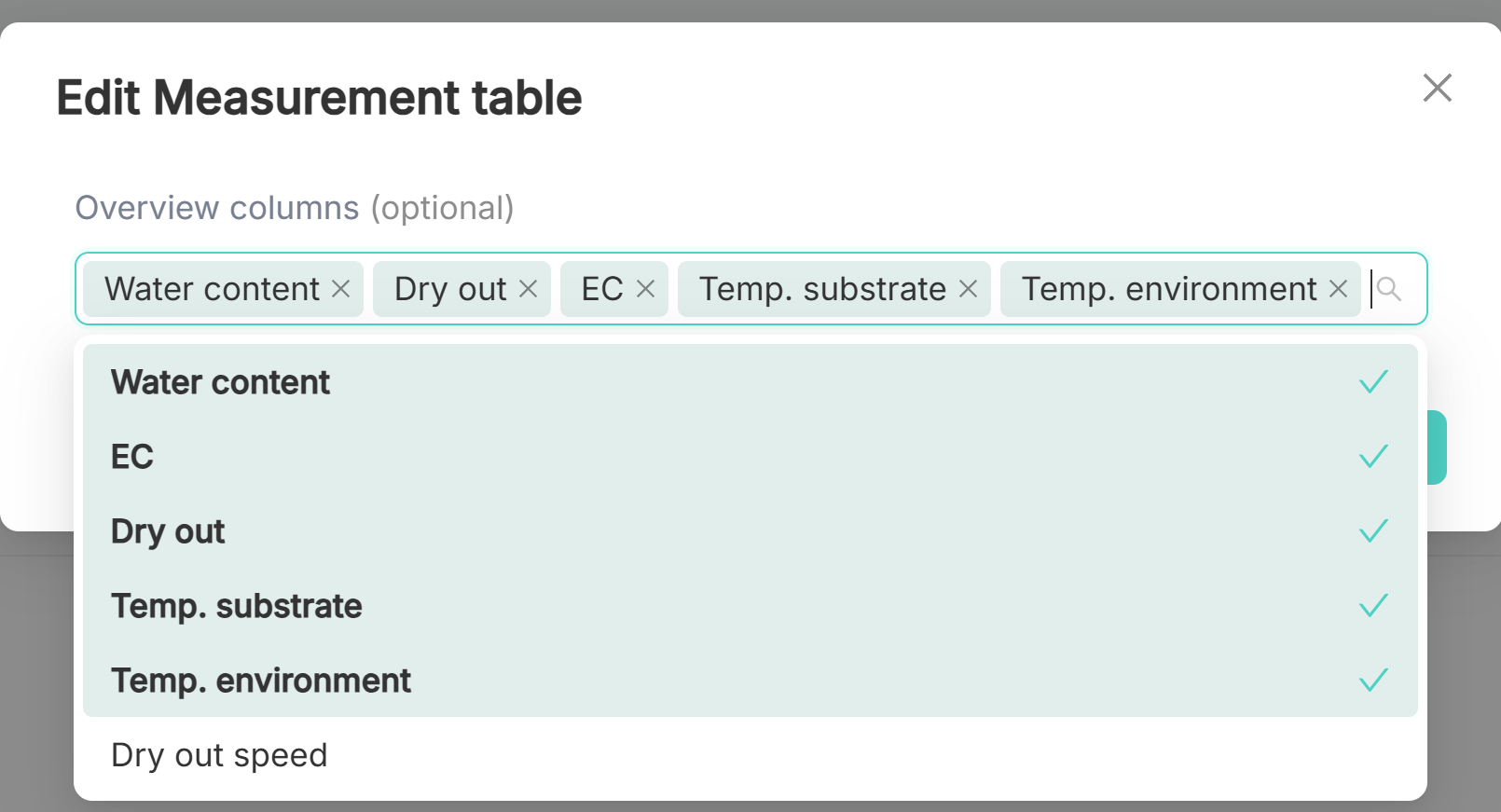
Click on the  icon to open the drop-down menu of measurements. Select or deselect the features you want to view on your dashboard. The selected, visible measurements will be boldened.