![Growficient_donkergroen copy.png]](https://help.growficient.com/hs-fs/hubfs/Growficient_donkergroen%20copy.png?height=40&name=Growficient_donkergroen%20copy.png)
Measured values
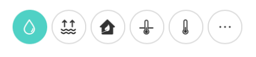
The graph tool of the Growboard shows five measurement types – water content, dry-out (dry back), EC, substrate temperature, and environment temperature – however, more measurements are accessible.
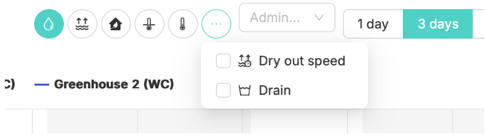
To view other measurement types, such as dry-out speed or drain, you can use the extended measurement type selector.
In your graphs and heatmap, you will see an icon with three dots next to the default measurement types:
By clicking this icon, a drop-down menu of the available measurement types will be shown. You can select them to be visible on your graph by clicking the measurement of your choice.