![Growficient_donkergroen copy.png]](https://help.growficient.com/hs-fs/hubfs/Growficient_donkergroen%20copy.png?height=40&name=Growficient_donkergroen%20copy.png)
Introduction
The Growboard has three user roles: user, grower, and admin. This article details the actions only an admin can do. When you move a section, you move all of its data with it to the new compartment. You can move sections and placements, but compartments cannot be moved.
Move a section to a different compartment
When you want to move a section (often valve/zone) to a different compartment (often greenhouse/room), follow these three steps.
Step 1: Open the section sublevel
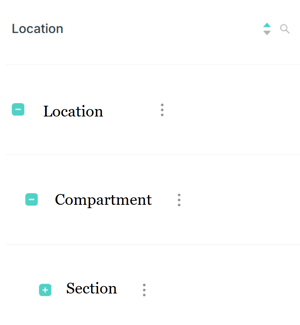
Open the dashboard and click on the small  icons until you reach the section level
Step 2: Move the section
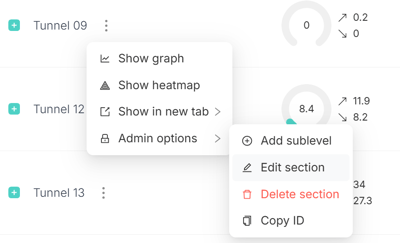
Click on the three dots ⋮ and click on 'Admin options' and then 'Edit section'
Step 3: Select the new compartment
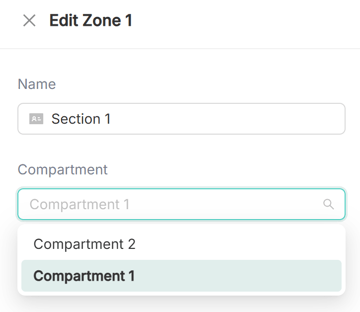
Select the new compartment from the 'Compartment' drop-down list and click 'OK' from the bottom right corner to confirm the change.